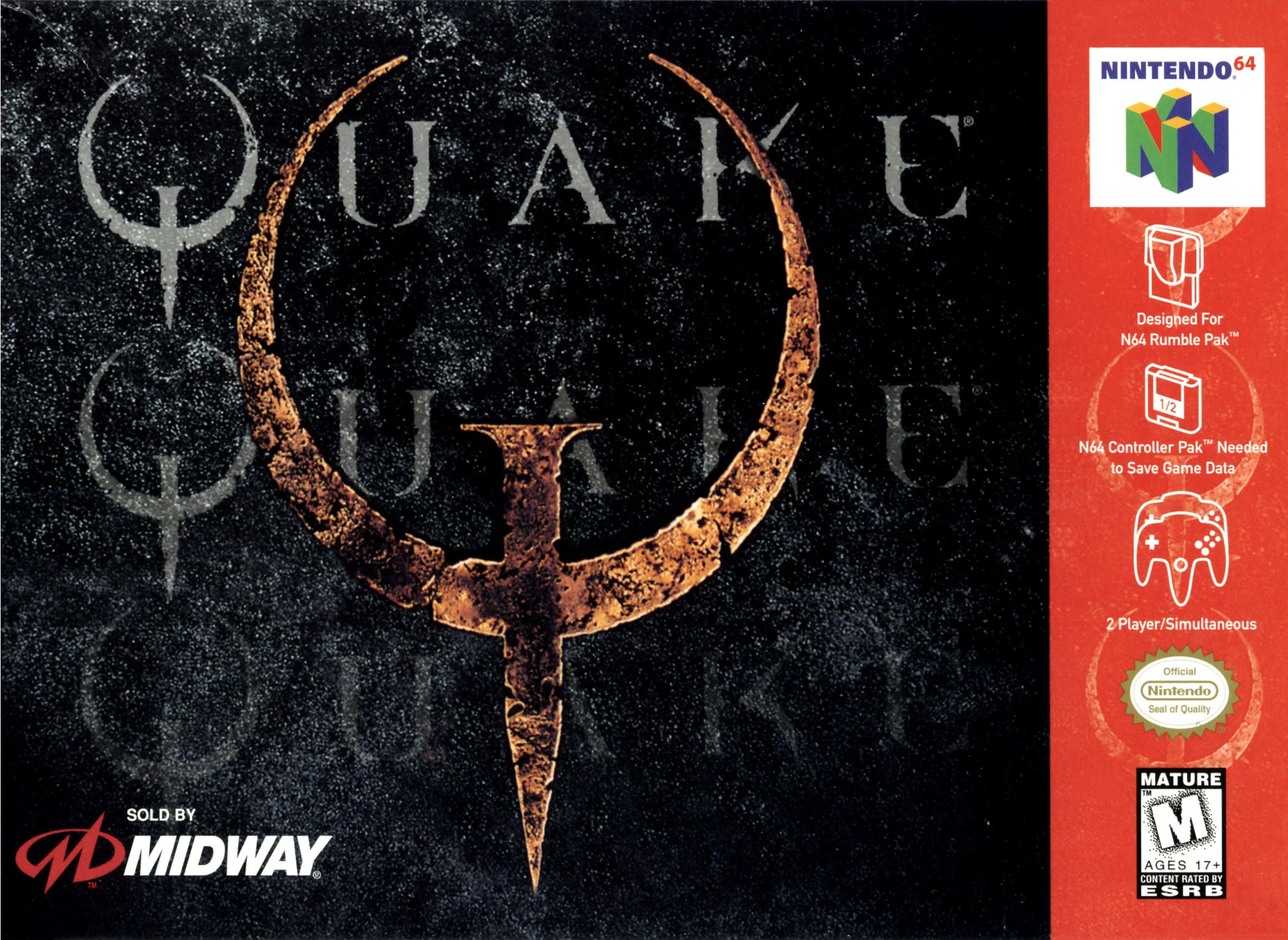
Quake 64
Quake 64 is a dark, atmospheric first-person shooter rele...

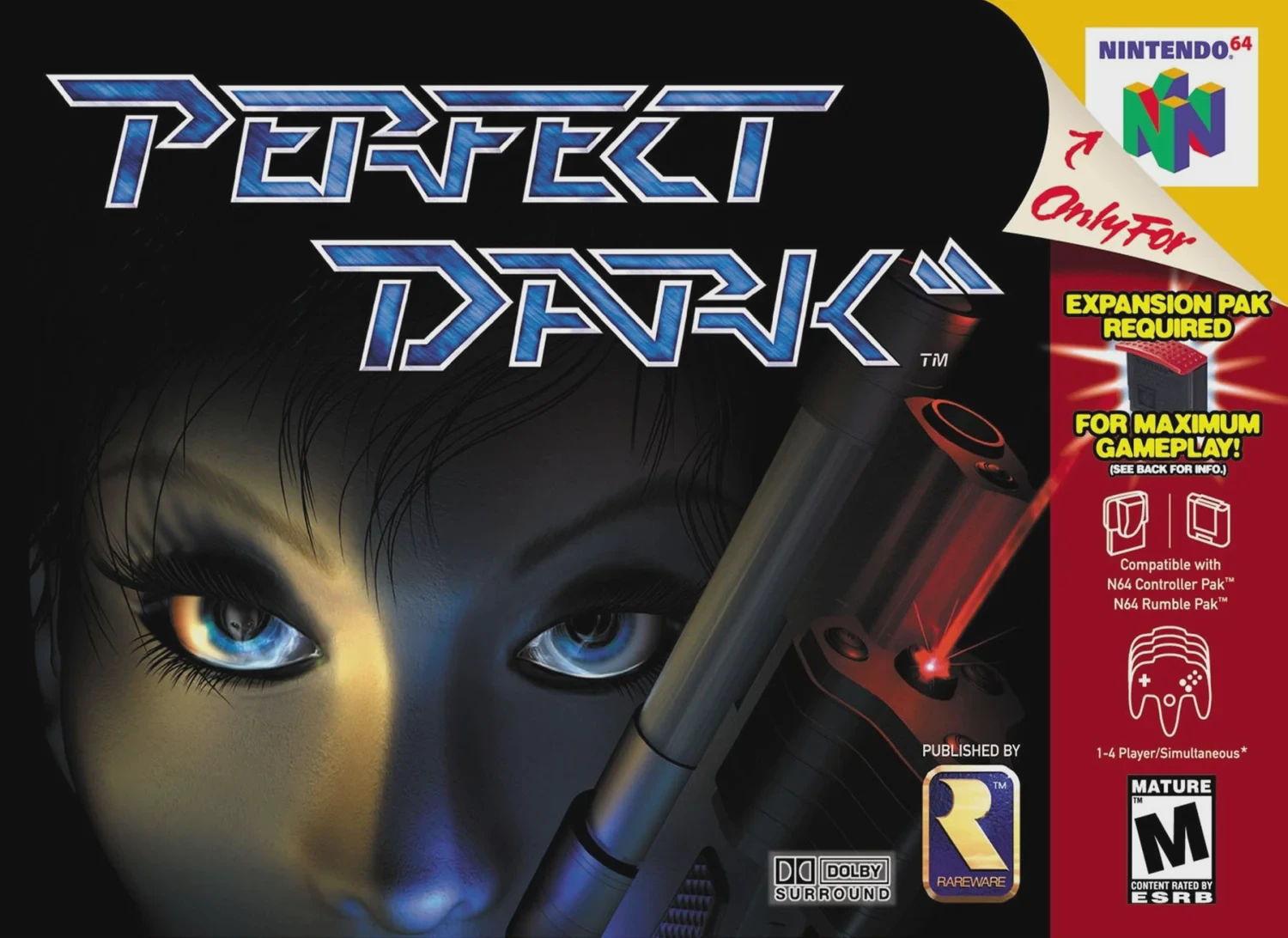
Set in the year 2023, the plot follows Joanna Dark, a top-tier agent for the Carrington Institute, a civilian research organization engaged in a fierce corporate and interstellar rivalry with the corrupt data-broker conglomerate, dataDyne. As Joanna investigates dataDyne's illicit dealings, she uncovers an elaborate extraterrestrial conspiracy involving an ancient war between two alien races: the reptilian Skedar and the grey-skinned Maiian.
Built upon an upgraded version of the GoldenEye 007 engine, Perfect Dark introduced staggering technical advancements to home consoles. It featured a sprawling single-player campaign with objective-based mission structures that shifted depending on the chosen difficulty (Agent, Special Agent, or Perfect Agent). The game famously made intensive use of the Nintendo 64 Expansion Pak: while basic gameplay functions without it, inserting the 4MB RAM expansion is required to unlock the campaign's high-resolution graphics mode, advanced AI routines, and the comprehensive "Simulant" multiplayer bot suite.
Platform: Nintendo 64
Developer: Rare
Publisher: Rare / Nintendo
Release Date: May 22, 2000 (North America), June 30, 2000 (Europe), September 22, 2000 (Japan)
Genre: First-Person Shooter
Modes: Single-player Campaign, Cooperative/Counter-Operative Campaign, Multiplayer Combat Simulator (up to 4 players + bots)
Peripheral Support: Nintendo 64 Controller Pak, Expansion Pak (required for full campaign/features), Rumble Pak, Game Boy Camera (custom face texturing)
Advanced Sci-Fi Arsenal: Wield an extensive roster of futuristic weapons equipped with secondary fire modes, X-ray scopes, threat detectors, and remote-detonation features.
Expansion Pak Integration: Harness the 4MB RAM upgrade to unlock high-resolution graphics, advanced enemy artificial intelligence, and deep multiplayer bot matches.
Comprehensive Combat Simulator: Engage in legendary split-screen multiplayer matches featuring customizable rules, unlockable scenarios, and highly configurable computer-controlled "Simulants."
Co-op and Counter-Operative Modes: Play through the entire single-player campaign cooperatively with a friend or experience a unique twist where the second player controls enemy guards to hunt the main player.
Deep Training Facilities: Hone your marksmanship and unlock advanced gear in the Carrington Institute firing range and challenge modes.
The game can boot and play basic multiplayer modes on a standard N64 console, but a vast majority of the game—including the entire single-player campaign, high-resolution graphics, and multiplayer bots (Simulants)—requires the Expansion Pak to function.
Counter-Operative is a unique multiplayer mode where one player runs through the single-player mission as Joanna Dark, while a second player takes control of random enemy guards throughout the level, trying to stop her progression.
Yes, almost every gun in the game features an innovative secondary firing mode or alternate utility function, such as turning a rifle into a proximity mine, firing tracking darts, or enabling thermal vision.
Yes, a Nintendo 64 Controller Pak is necessary to save single-player mission progression, custom combat simulator profiles, unlocked cheats, and high-score records.
Click the links below to go to the cloud drive download page
⚠️ Download Tips:
Quake 64 is a dark, atmospheric first-person shooter rele...
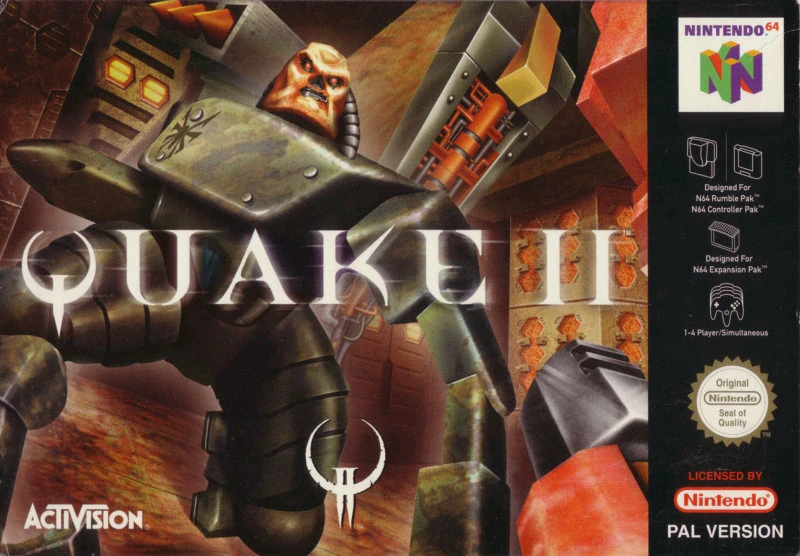
Quake II is a groundbreaking, gritty first-person shooter...
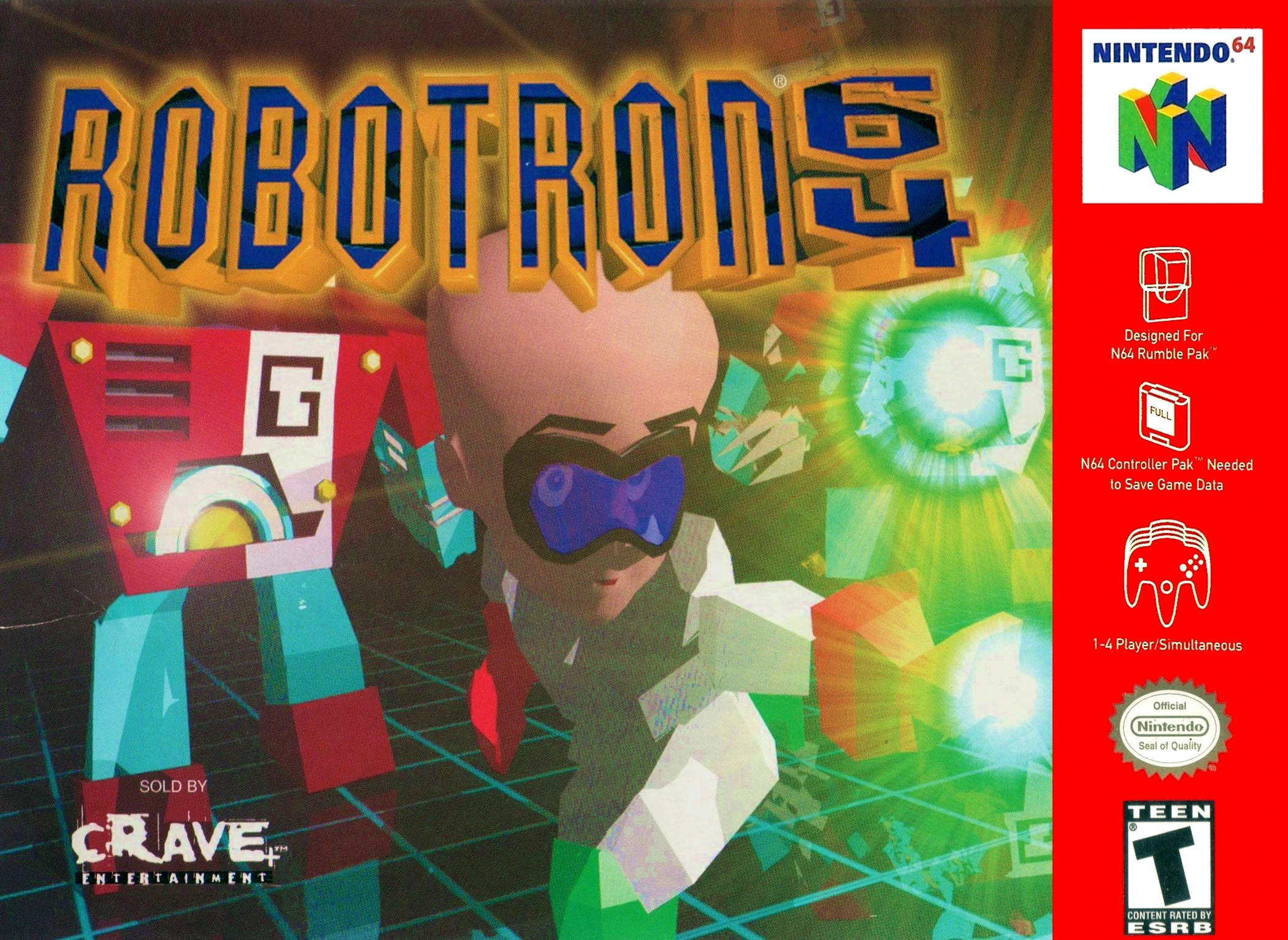
Robotron 64 is a frantic, high-intensity multi-directiona...

South Park is an action-packed first-person shooter relea...
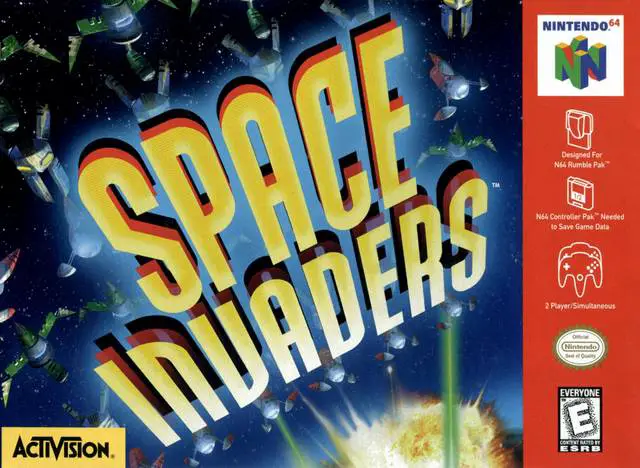
Space Invaders is a modern reimagining of Taito's legenda...